Guides and Videos
Advance your art management skills with tutorial videos for Artsystem5 and Artsystems Pro.
ARTSYSTEM5 (A5) — INTRODUCTORY VIDEOS
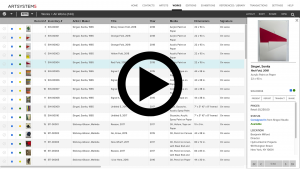
A quick introductory flyover of the A5 online art management software (3:55)
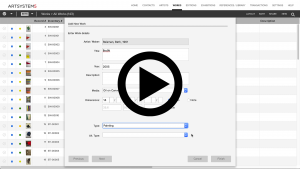
How to add a new Work record to A5 (3:20)
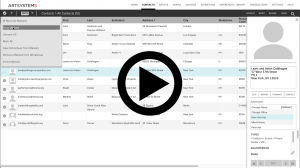
Marking Records in A5 (3:40)
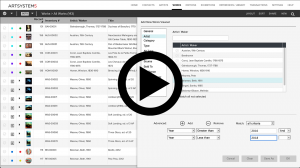
The A5 View Set: A Powerful Tool for Dynamic Record Retrieval (4:15)
The A5 Worksheet: Building and maintaining static lists (5:02)
Using the A5 Search Tool (6:39)
Creating an Invoice Transaction in A5 (8:36)
Creating and Converting Transactions in A5 (8:44)
Creating and sharing a Private Online Viewing Room in A5 (8:50)
A5 Integration with Artsy (4:55)
A5 integration with Quickbooks Online (3:32)
A5 Integration with Articheck (4:58)
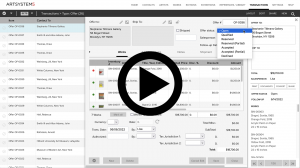
Sales Pipeline: Using New Offer Transaction Features in A5 (4:32)
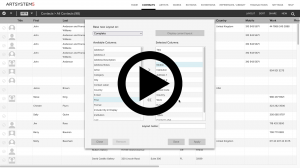
The New Custom Layout tool: defining a custom arrangement of fields for the spreadsheet view (5:56)
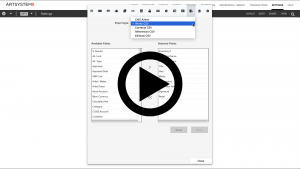
Downloading data exports in A5 (7:10)
2:03 – Contacts CSV
3:35 – Works CSV
5:12 – CMS Admin
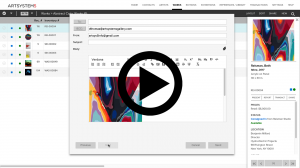
Email: Sending and Setup in A5 (5:33)
ARTSYSTEMS PRO DESKTOP — INTRODUCTORY VIDEOS
Adding a Work record with image (and selling it) (6:44)
The View Set: A Powerful Tool for Dynamic Record Retrieval (3:07)
Powerful and Comprehensive Multiple Currency Options (7:39)
ARTSYSTEMS PRO DESKTOP — TRAINING VIDEOS
Getting Started: Utilizing the Practice Sample Database (3:36)
Getting Started: Setting Up Read/Write Security (7:21)
Navigation: The Main Toolbar (8:32)
Navigation: The Display Toolbar (11:11)
Navigation: Search Function (4:14)
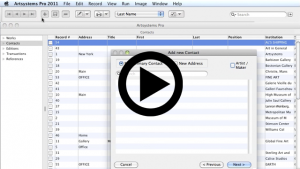
Adding Records: Contacts (7:55)
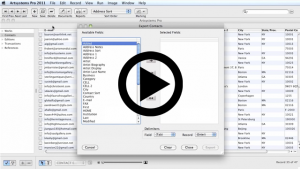
Exporting Records: Contacts (6:01)
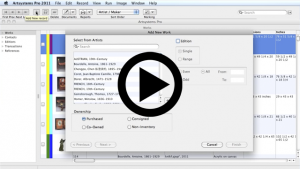
Adding Records: Works (13:01)
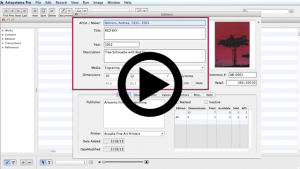
Adding Records: Editions and Editioned Works (18:04)
Adding Records: Work References for use on Infosheets (10:35)
Data Set: Marking Records (5:14)
Data Set: Worksheets (6:05)
Data Set: View Sets (11:33)
Data Set: Modifying and Saving Spreadsheet Views (6:45)
Creating a Report: Price List (2:26)
Transactions: Creating an Invoice (8:55)

Transactions: Receiving a Payment (5:28)
Transactions: Credit Memo (4:21)
Transactions: Creating a Consignment Out (5:47)
Transactions: Return or Invoice From Consignment (5:19)
Transactions: Contact Statistics (10:29)